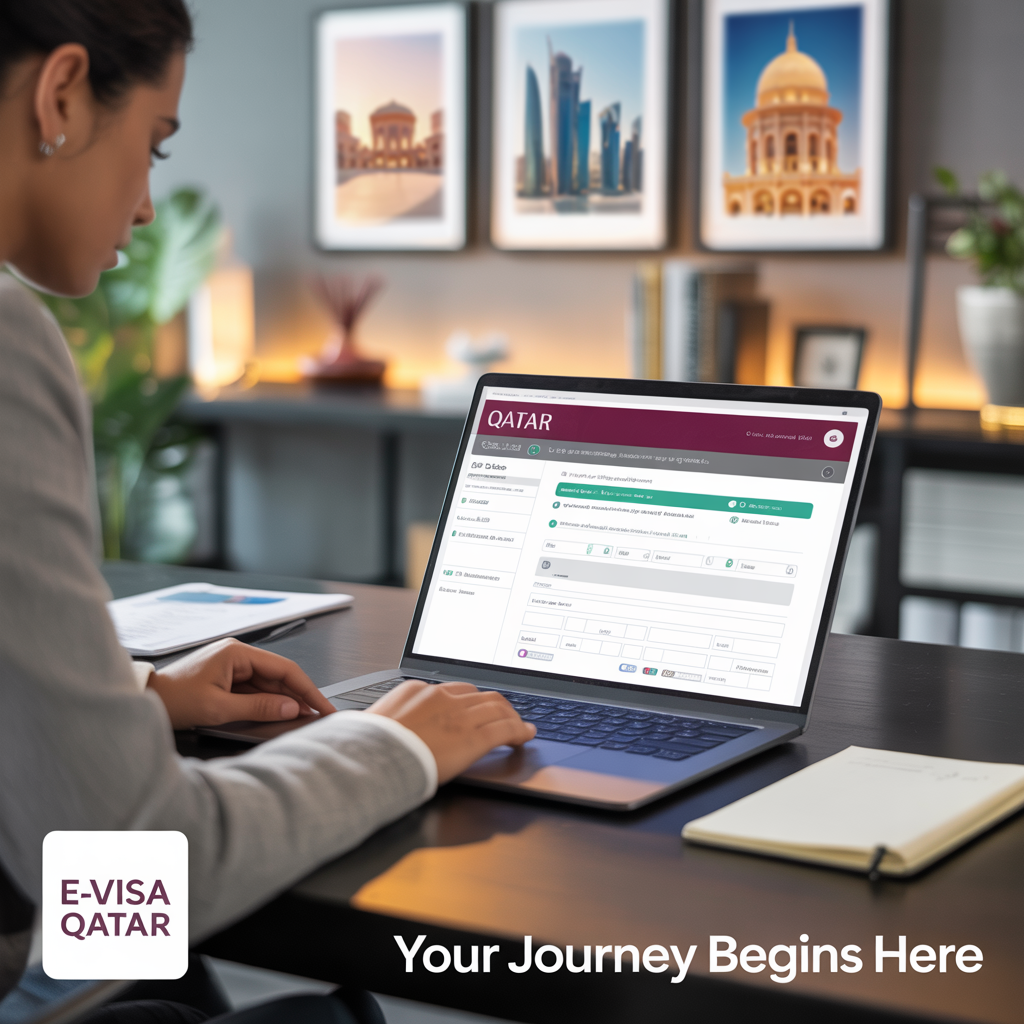
Applying for a Qatar e-Visa involves completing an online form. You must provide accurate personal, passport, and travel information. You will also need to upload several required documents. This entire process is managed online through the official Hayya Portal. Additionally, the Qatar Ministry of Interior supervises all applications to ensure they are complete.
Personal Information
You must provide personal details that exactly match your passport. This information is critical for approval. Pay close attention to accuracy.
- Full Name: Enter your name as it appears in your passport (e.g., John Smith),
- Date of Birth: Use the DD/MM/YYYY format (for example, 25/08/1988),
- Nationality: Your country of citizenship (e.g., United States),
- Gender: Choose Male or Female,
- Marital Status: Select Single, Married, Divorced, or Widowed,
- Email Address: A valid email for all official communication,
- Contact Number: Your phone number with its country code,
- Permanent Address: Your complete home address.
Passport Information
Correct passport details are essential for processing your application. Without them, your e-Visa cannot be issued. In addition, check your passport’s validity.
- Passport Number: Type the number exactly as it is shown,
- Passport Issue Date: Provide this date in DD/MM/YYYY format,
- Passport Expiry Date: Must be valid for at least 6 months after you plan to arrive,
- Place of Issue: The city and country where it was issued.
Travel Information
You will need to enter specific details about your trip. This information helps officials understand the purpose of your visit. Be prepared to provide the following.
- Purpose of Visit: State if it is for tourism, business, or transit,
- Intended Date of Arrival: The date you plan to enter Qatar,
- Intended Length of Stay: The total number of days you will stay,
- Flight Details: Your airline and flight number,
- Accommodation Details: Your hotel booking or host’s address details,
- Emergency Contact Information: Name and phone number of a contact person.
Supporting Documents
You must upload digital copies of key documents. Make sure all files are clear and readable. For instance, blurry scans can cause rejection. Files should be in PDF or JPEG format.
- Passport Copy: A clear scan of your passport’s main page (max 2MB),
- Passport-sized Photograph: A recent color photo (400x600px, max 1MB),
- Proof of Accommodation: Hotel reservation or an invitation from your host,
- Return Flight Ticket: A confirmed ticket for your return or onward journey,
- GCC Residence Permit: This is required only for the GCC Resident e-Visa (A2).
Fee Payment
Paying the visa fee is a crucial step. The standard Qatar e-Visa fee is QAR 100, which is about USD 27. You can use several methods for payment.
- Visa & MasterCard credit cards,
- International debit cards,
- PayPal may be an option in some cases.
Visa Types, Validity, and Allowed Activities
Qatar offers different e-Visas based on your travel purpose. However, each type has its own validity and rules. The table below shows the main options available.
| Visa Type | Visa Validity | Allowed Activities |
|---|---|---|
| Tourist e-Visa (A1) | 30 days | Leisure, tourism, and visiting family |
| Business e-Visa | 30 days | Meetings or conferences (no employment) |
| Transit e-Visa | 4 days (96 hours) | Short stopovers while transiting in Qatar |
| GCC Resident e-Visa (A2) | 30 days | Tourism and visiting family or friends |
Rejection Reasons
An application can be rejected for common reasons. To avoid delays, always double-check your form. Pay close attention to these potential issues.
- Leaving application fields blank,
- Providing incorrect or false information,
- Using a passport with less than 6 months of validity,
- Submitting documents that are unreadable,
- Not showing proof of sufficient funds,
- Lacking proof of a return ticket,
- Having previous visa or immigration violations.
Correcting Errors and Reapplying
Made a mistake? You can easily fix errors on the form before you submit it. However, if you find a mistake after submission, you must contact Hayya Portal support. If your application is rejected, the reason is provided. You can then correct the issue and reapply with accurate documents.
Useful Links
Here are the official websites for your application and more information.